Insert a freehand shape
- Select Arrange > Insert > Freehand to open the Freehand popup. Alternatively, click the
+icon in the toolbar, then select Freehand. - Click Start drawing, draw your shape with your mouse (hold the left-mouse button down to draw), then click Stop drawing to convert it to an image with a transparent background.
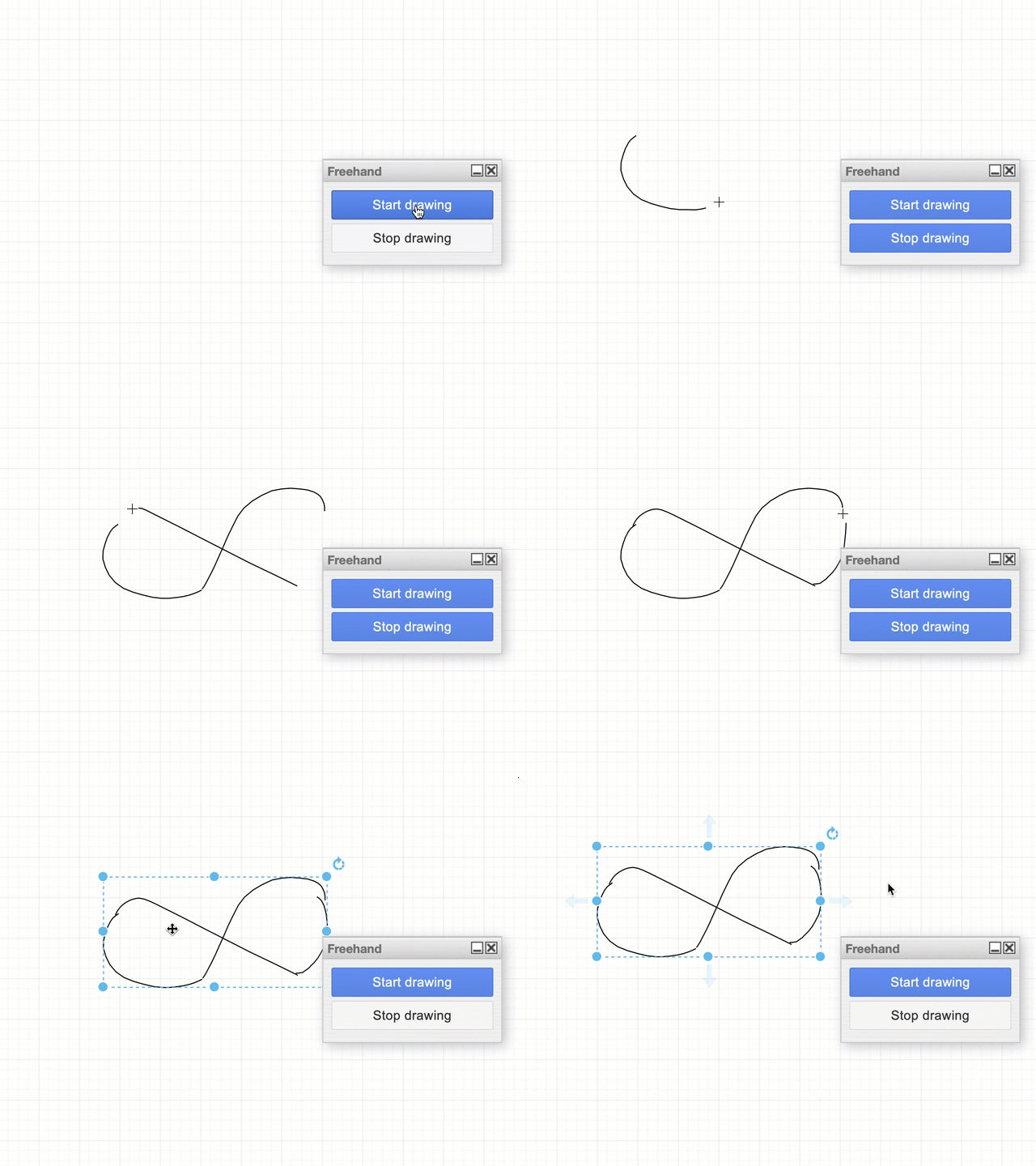
While you can draw a freehand shape with the mouse, you may find it easier to diagram freehand on a tablet with a pen.